Classic Middle Gray Toolkit
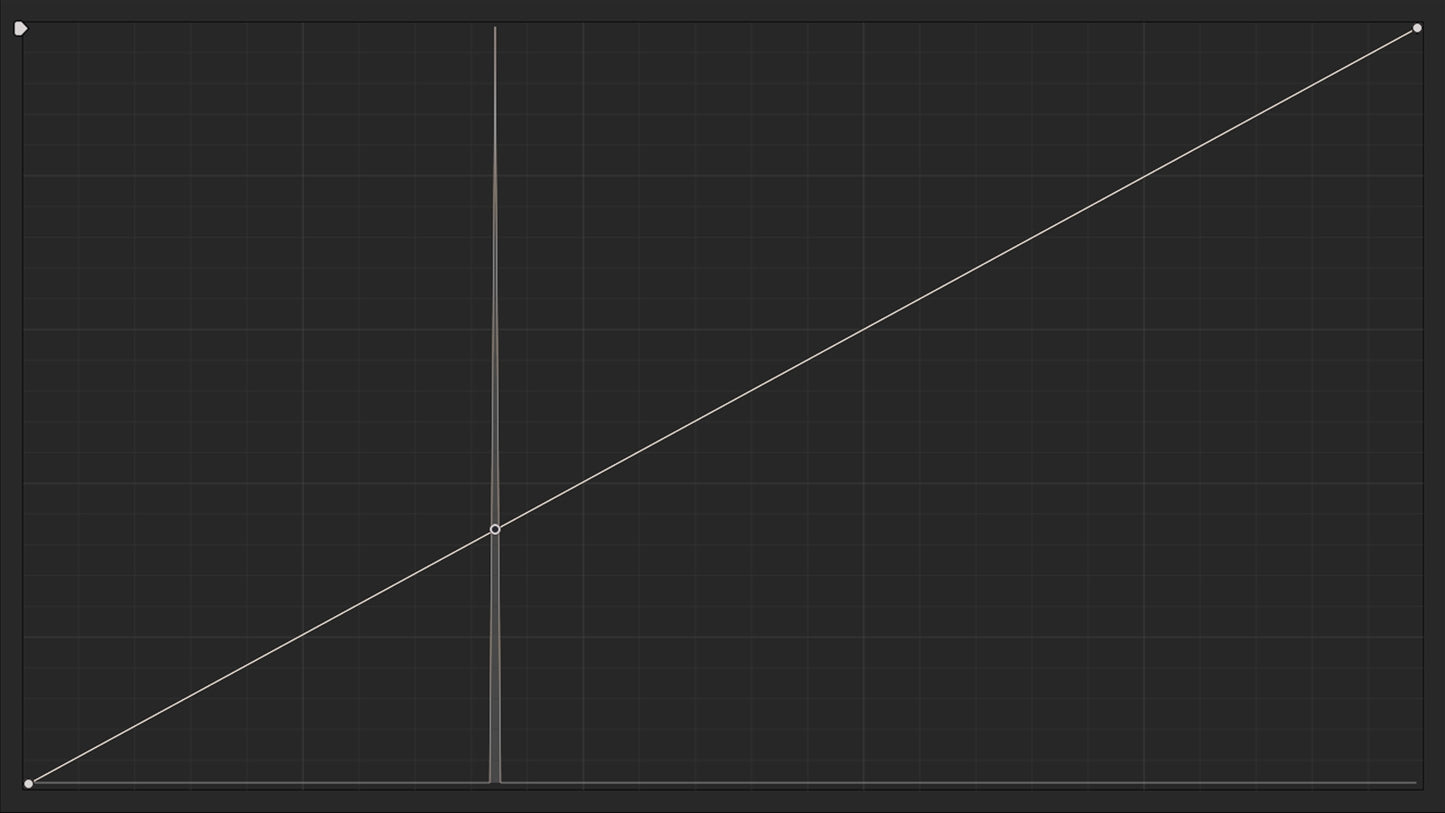
A free PowerGrade toolkit for DaVinci Resolve that automatically sets your contrast pivot and curves anchor to DaVinci Intermediate middle gray (0.336). This allows you to adjust contrast without shifting exposure, eliminating the need for constant rebalancing.
Heading
無法載入取貨服務供應情況

MADE WITH LOVE IN HONG KONG
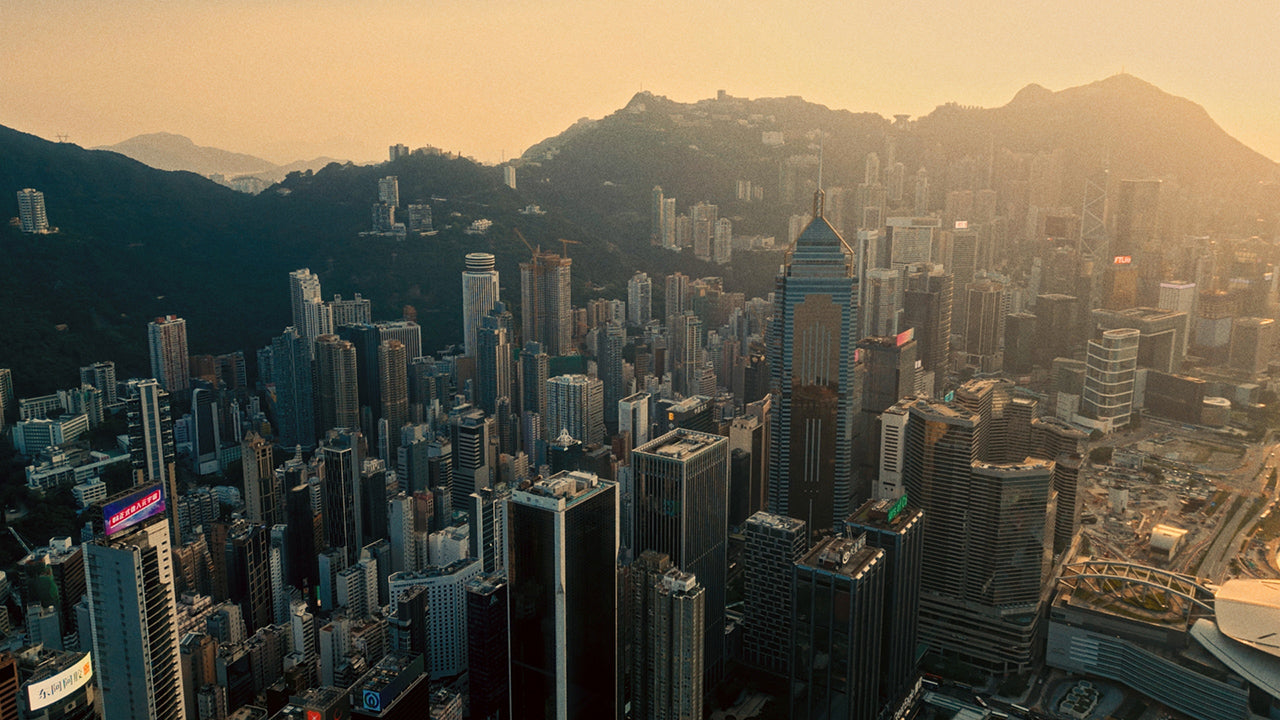
Hong Kong with its vibrant culture, iconic skyline, and bustling streets has been a constant source of inspiration for my work. You can trust that my assets are crafted with care and passion, straight from the heart of my beloved city.
FAQ
HOW WILL I RECEIVE MY ASSETS?
After completing your purchase, you will receive a digital copy of your assets after checkout and via email. Simply click the provided link to start downloading your files.
HOW DO I USE OR INSTALL THE POWERGRADES?
To install the PowerGrades, navigate to the Color page in DaVinci Resolve.
1. In Gallery tab, right-click on the sidebar and select ‘Add PowerGrade Album’.
2. Rename the new PowerGrade Album to your liking, for mine it’s named ‘John Razalo PowerGrades’.
3. Right-click on the right section of the Gallery tab and select ‘Import’.
4. Navigate to the location of your newly downloaded PowerGrade, then select and import the .drx file.
5. With the PowerGrade imported, simply right-click on the PowerGrade thumbnail and select ‘Apply Grade’, or middle mouse clicking it to apply to the selected clip.
Keep in mind that PowerGrades are exclusive to DaVinci Resolve only.
HOW DO I USE OR INSTALL THE ASSETS?
Simply import the assets (overlays, film mattes etc.) and then drag and drop them into your project timeline. Note that some assets may need to use blending modes to be combined with other visual elements.
Detailed instructions are provided with each asset to guide you on how to install and use them.
WILL YOUR POWERGRADES WORK WITH MY SPECIFIC CAMERA/FOOTAGE?
My PowerGrades will work with any camera and footage that is supported by the Color Space Transform (CST) OFX in DaVinci Resolve.
CAN I USE YOUR ASSETS ON ANY KIND OF PROJECT?
Yes! The license included with every asset covers virtually all personal and commercial uses. You can use it in your personal work or paid client projects as many times as you want.
Please note, however, that the purchased assets cannot be used to repackage or resell. These assets are intended for personal and commercial use in projects, but they should not be redistributed or sold as templates or in any similar forms.
WHAT IS YOUR REFUND POLICY?
Due to the nature of digital products, all sales are final.