


ClassicPrint 16mm Film Emulation LUTs
ClassicPrint 16mm Film Emulation LUTs
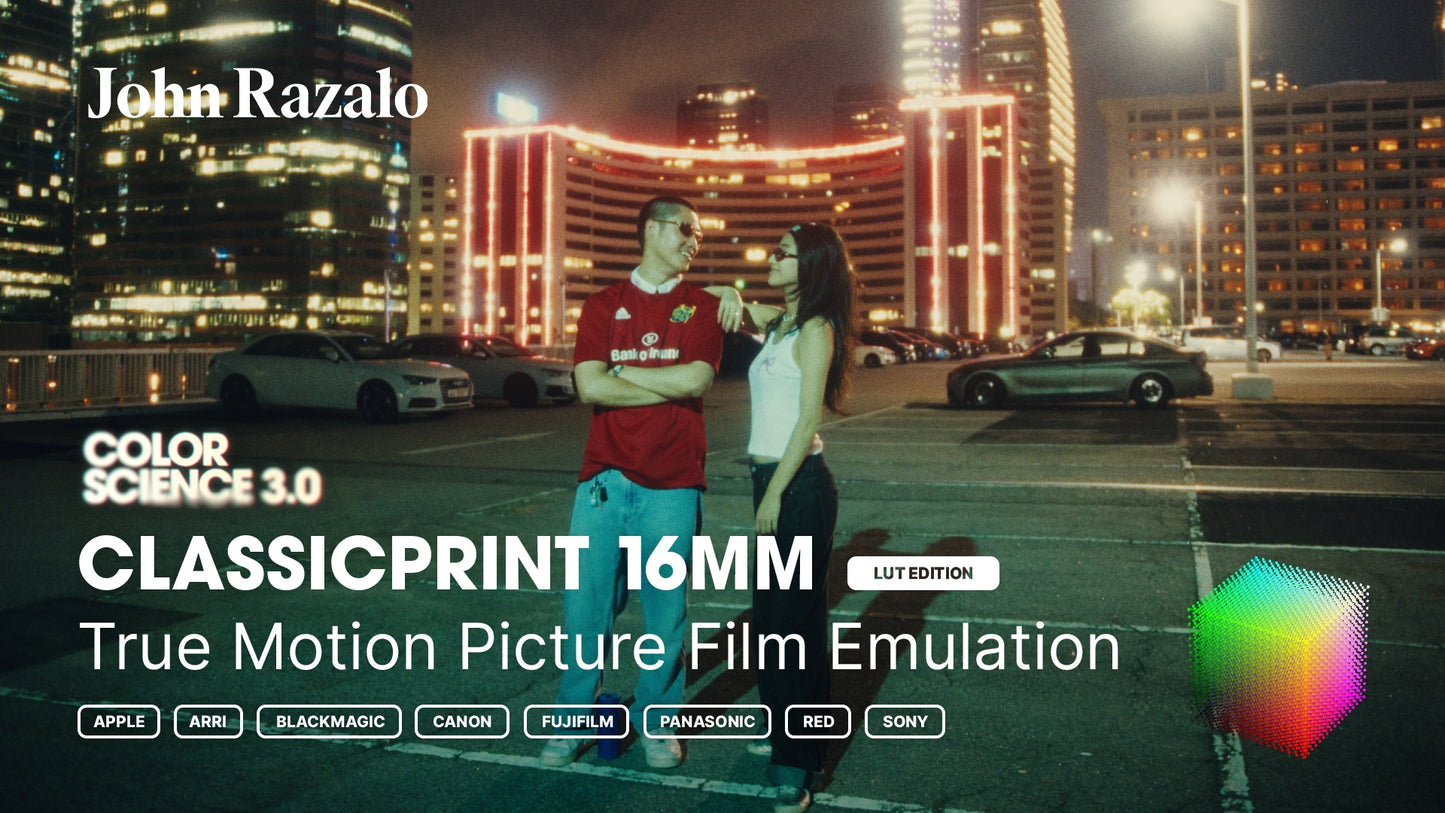
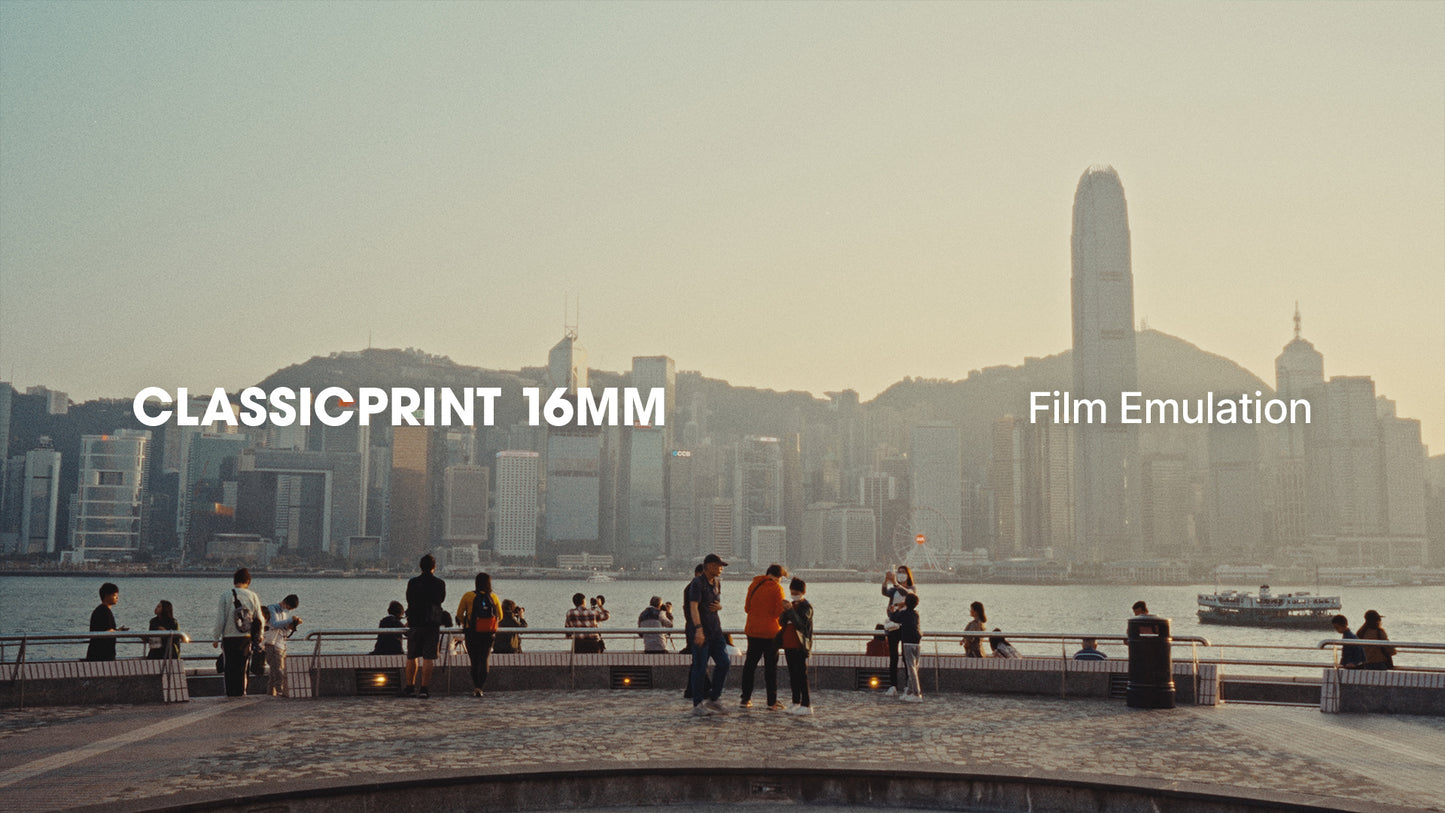
The richer, bolder, 'imperfect' 16mm film emulation variant, developed by John Razalo.
What's Included:
• 250D
• 500T
• 800T (NEW!)
• Ektachrome (NEW!)
• Technicolor (NEW!)
Supported Cameras/Log Profiles:
Apple Log, ARRI LogC3, ARRI LogC4, Blackmagic Design Film Gen 4, Blackmagic Design Film Gen 5, Canon Log 2, Canon Log 3, Fujifilm F-Log, Fujifilm F-Log2, Panasonic V-Log, RED Log3G10, Sony S-Log3
Current Version: v3
Color Science: 3.0
 Premiere Pro
 Final Cut Pro
 DaVinci Resolve
Couldn't load pickup availability
FEATURES
FEATURES
Achieve a distinct film aesthetic in seconds, universally compatible as camera LUTs, on-set monitoring and final color grading.
→ One-Click Color Grading Solution
→ Compatible with Industry-Standard Software
→ Universal .cube File Format
→ Precisely Optimized for Each Camera/LOG Profile
→ Suitable for In-Camera & On-Set Monitoring
COMPATIBILITY
COMPATIBILITY
LUTs are compatible with industry-standard video editing, color grading, and visual effects software, thanks to the universal .cube file format.
✓ DaVinci Resolve
✓ Adobe Premiere Pro
✓ Adobe After Effects
✓ Final Cut Pro
✓ Avid Media Composer
✓ and more...
LIFETIME UPDATES
LIFETIME UPDATES
All assets are buy once, own forever. Future updates will be sent via email free of charge.


STREAMLINED WORKFLOW
APPLY. ADJUST. DONE.
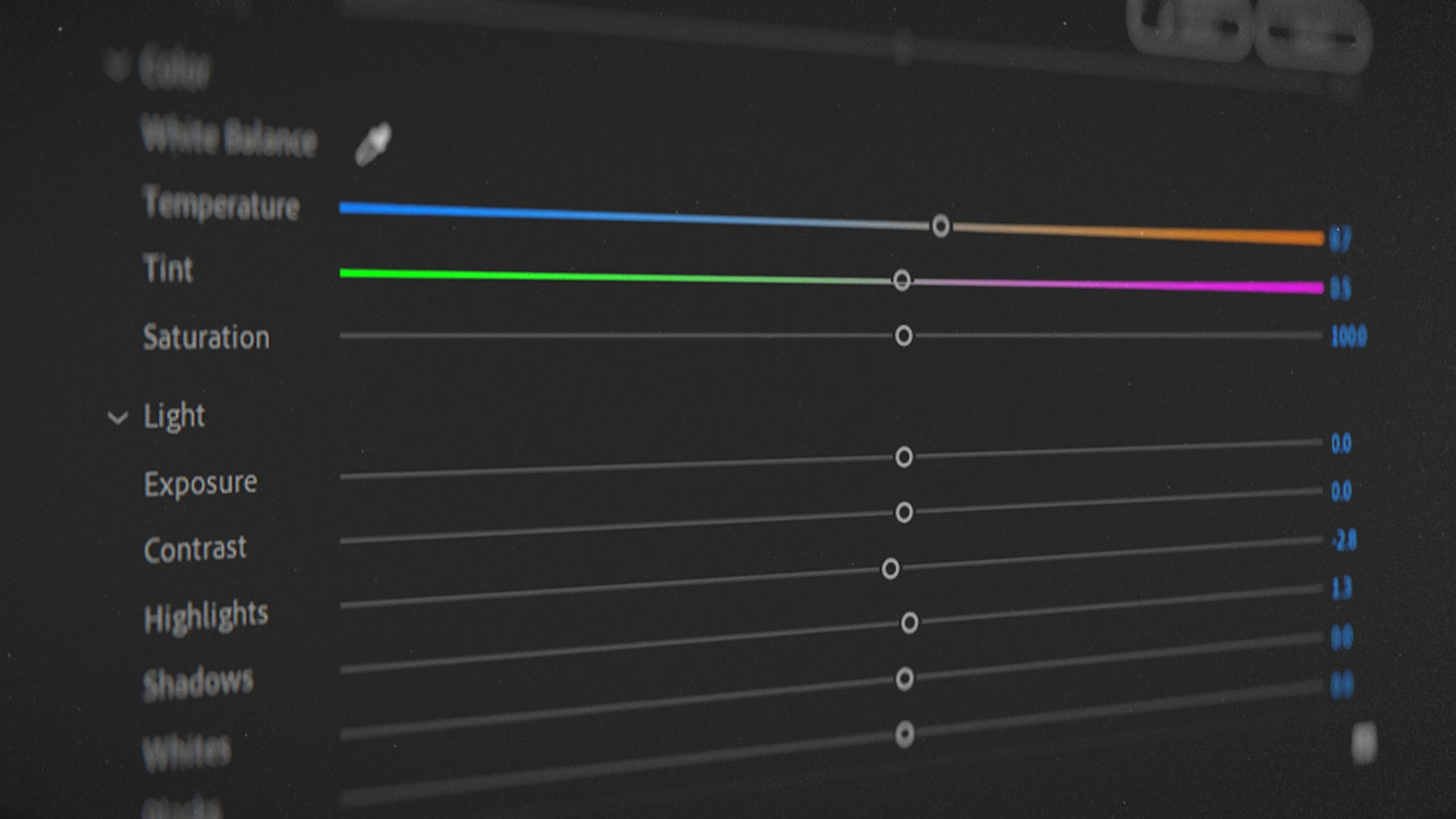
Get an instant film look after applying the film emulation LUTs. Small tweaks are all it takes to achieve amazing results.

RIGOROUSLY TESTED
TRUE COLOR SCIENCE
Developed using color science and rigorously stress-tested, the LUTs are calibrated to deliver rich filmic colors and density without artifacts, banding, or clipping.

UNIVERSAL COMPATIBILITY
FULL CAMERA SUPPORT
All LUTs are fine-tuned for each camera/LOG profile, guaranteeing unparalleled accuracy and consistency across every shot, even when working with multiple cameras.
What's Included:
✓ Apple LOG
✓ ARRI LogC3
✓ ARRI LogC4
✓ Blackmagic Design Film Gen 4
✓ Blackmagic Design Film Gen 5
✓ Canon Log 2
✓ Canon Log 3
✓ DJI D-Log
✓ Fujifilm F-Log
✓ Fujifilm F-Log2
✓ Panasonic V-Log
✓ RED Log3G10
✓ Sony S-Log3
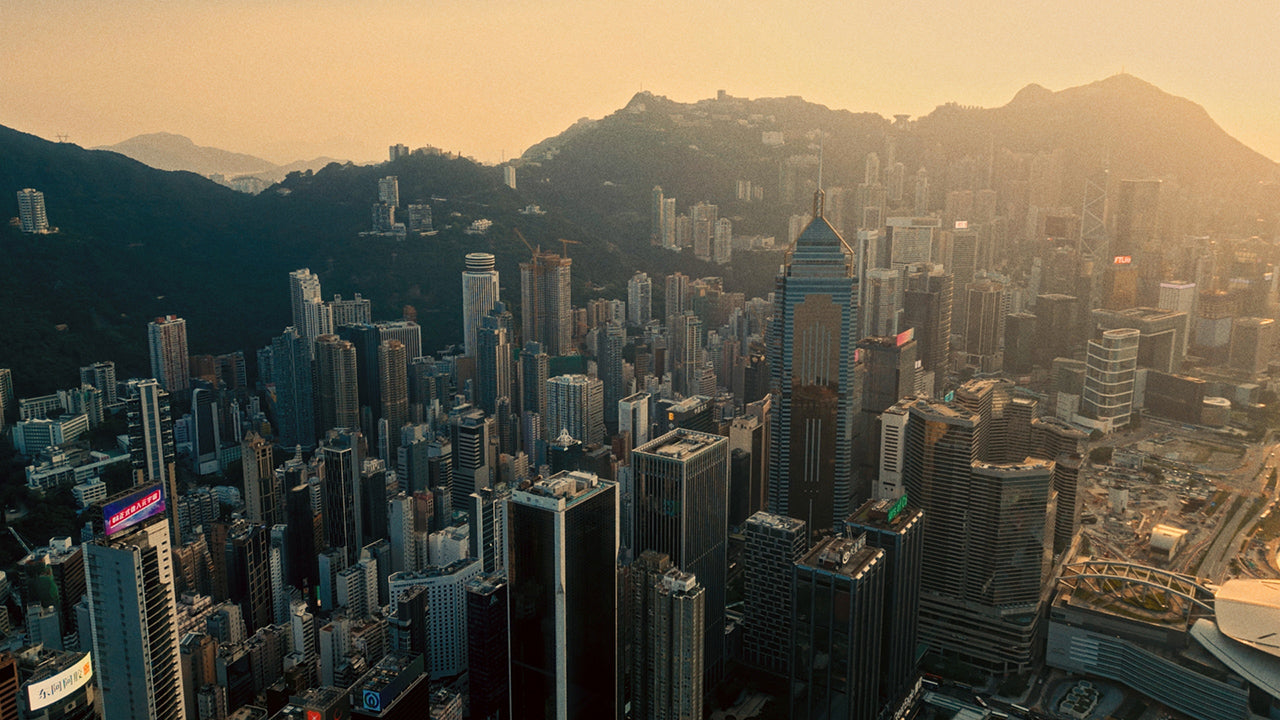
MADE WITH LOVE IN HONG KONG
Hong Kong with its vibrant culture, iconic skyline, and bustling streets has been a constant source of inspiration for my work. You can trust that my assets are crafted with care and passion, straight from the heart of my beloved city.