


ClassicPrint™ Film Emulation PowerGrade (COLOR SCIENCE 3.5)
ClassicPrint™ Film Emulation PowerGrade (COLOR SCIENCE 3.5)
A bespoke film emulation PowerGrade for DaVinci Resolve that captures the aesthetics of classic 35mm film, developed by John Razalo.
What's Included:
• ORIGINAL Founders Edition (NEW!)
Light, Normal, Strong, EXTREME
• CLASSIC Founders Edition
Light, Normal, Strong, EXTREME
• CINEMATIC Founders Edition (NEW!)
Light, Normal, Strong, EXTREME
• NOSTALGIC Founders Edition (NEW!)
Light, Normal, Strong, EXTREME
Powered by the latest Color Science 3.5 and built for DaVinci Wide Gamut/Intermediate pipeline, the PowerGrade brings the classic analog film look into a modern, color-managed workflow.
Current Version: 6.5.8
Color Science: 3.5
 Davinci Resolve
Couldn't load pickup availability
FEATURES
FEATURES
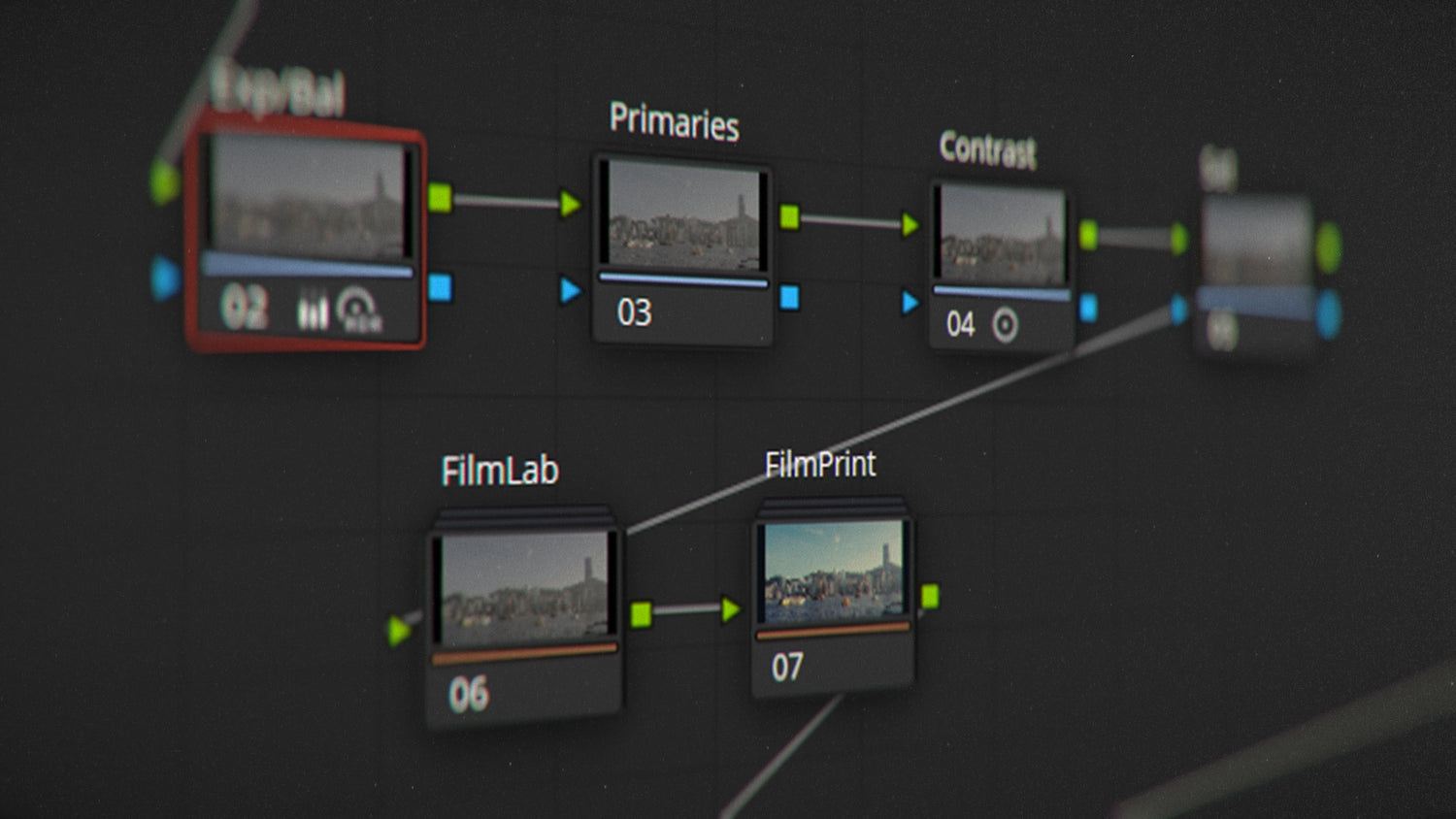
Achieve a distinct film look in seconds, thanks to a simplified node workflow that requires only a few adjustments.
→ Simple & Easy to Use
→ 4 Main Nodes for Adjustments
→ Utilizes DaVinci Wide Gamut/Intermediate
→ Any Camera LOG Supported by Color Space Transform (CST)
→ Completely Customizable
COMPATIBILITY
COMPATIBILITY
PowerGrades are exclusive to DaVinci Resolve, unlocking full creative potential for color grading.
✓ DaVinci Resolve Studio
✓ DaVinci Resolve Free
*You must have the latest version of DaVinci Resolve.
LIFETIME UPDATES
LIFETIME UPDATES
All assets are buy once, own forever. Future updates will be sent via email free of charge.


STREAMLINED WORKFLOW
APPLY. ADJUST. DONE.
Get an instant film look with just a few simple steps after applying the PowerGrade. Small tweaks are all it takes to achieve amazing results.

RIGOROUSLY TESTED
TRUE COLOR SCIENCE
Developed using color science and rigorously stress-tested, the PowerGrade delivers rich filmic colors and density without artifacts, banding, or clipping.

UNIVERSAL COMPATIBILITY
FULL CAMERA SUPPORT
Using Color Space Transform (CST) in DaVinci Resolve enables flexibility across a wide range of camera LOGs. This ensures compatibility with various formats and delivers consistent results every time.
What's Supported:
✓ Apple Log
✓ Apple Log 2
✓ ARRI LogC3
✓ ARRI LogC4
✓ Blackmagic Design Film Gen 4
✓ Blackmagic Design Film Gen 5
✓ Canon Log 2
✓ Canon Log 3
✓ DJI D-Log
✓ Fujifilm F-Log
✓ Fujifilm F-Log2
✓ Nikon N-Log
✓ Panasonic V-Log
✓ RED Log3G10
✓ Sony S-Log3
and more...
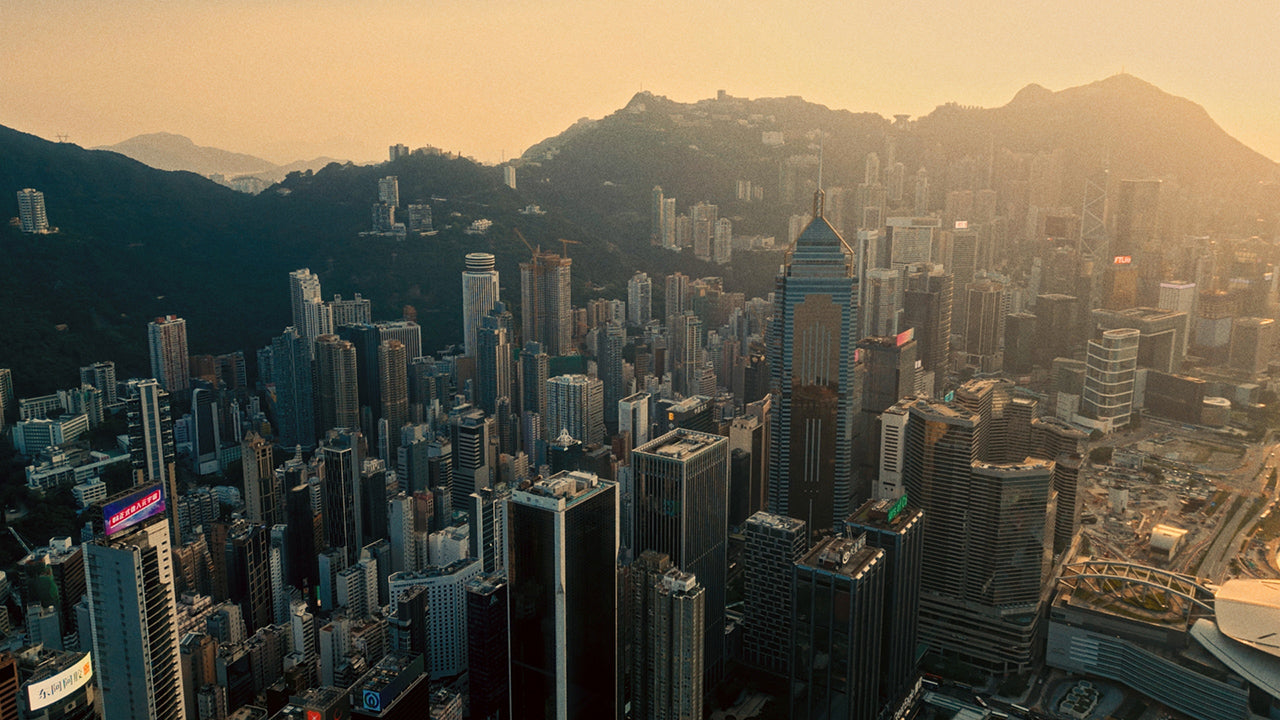
MADE WITH LOVE IN HONG KONG
Hong Kong with its vibrant culture, iconic skyline, and bustling streets has been a constant source of inspiration for my work. You can trust that my assets are crafted with care and passion, straight from the heart of my beloved city.